
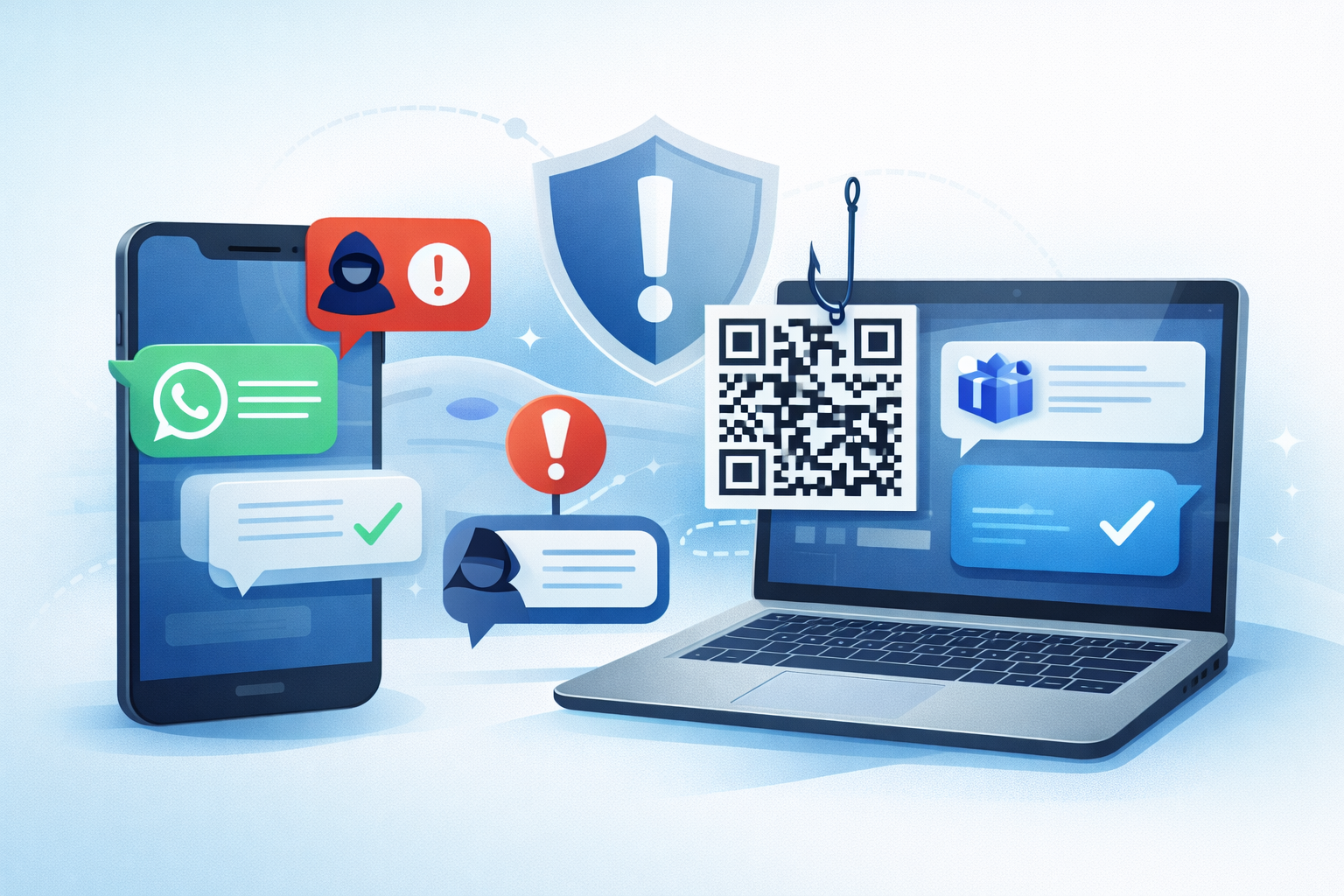
Phishing isn’t limited to email anymore. Attackers follow your team into WhatsApp, Teams, SMS, LinkedIn, and even QR codes, because that’s where decisions happen fast and checks get skipped. Here’s how UK SMEs can stay ahead without slowing the business down.
The new playbook (what we’re seeing right now)
Impersonation in chat apps
“Hi, it’s [Boss Name], can you approve this payment?” Messages come from look-alike profiles or compromised accounts, often out of hours.
Thread-jacking in Teams
An attacker replies inside a genuine thread (after compromising an account) with a “new link” or “updated invoice.” Trust is already established.
Smishing (SMS attacks)
Delivery re-scheduling, HMRC refunds, MFA prompts, short, urgent, mobile first.
Quishing (QR code phishing)
Stickers/posters, parcel labels, or emails with QR codes that jump users to credential-stealing sites on their phones.
Deepfake voice notes
Short, urgent audio clips asking for codes, payments, or gift cards. Feels personal; bypasses the “check the domain” habit.
Practical defences that don’t kill momentum
1) Make MFA smarter, not noisier.
Use number-matching or phishing-resistant methods. Teach staff to deny unexpected prompts and report them immediately.
2) Conditional Access for Microsoft 365.
Block high-risk sign-ins and require compliant devices for sensitive apps. Unknown device? Force stronger authentification.
3) Tighten Teams & guest access.
Review external users quarterly. Turn off organisation-wide external chat if you don’t need it. Use sensitivity labels for confidential channels.
4) Lock down email authentication, even if this is “beyond email”.
SPF, DKIM, and DMARC reduce spoofing that often starts the cross channel attack.
5) Finance guardrails.
Any bank detail change requires a call back to a saved number (not the message that asked). No exceptions.
6) Short, frequent training.
Use 5-minute tips monthly plus quarterly simulations. Show real examples of WhatsApp/Teams/QR scams your staff might actually see.
7) One-tap reporting everywhere.
Add a Report Phish button in Outlook and a “suspicious message” flow in Teams. Praise quick reporting, even if it’s a false alarm.
8) Device hygiene
Mobile PIN/biometrics, managed devices where possible, and browser isolation for unknown links. If BYOD is allowed, set minimums: lock screen + OS updates.
What to do when someone clicks (or replies)
1) Report to IT immediately via a known channel.
2) Reset credentials and revoke sessions.
3) Check forwarding rules and team memberships.
4) Pull the malicious message wherever possible (email/Teams/MDM).
5) Review sign-in logs and device compliance; escalate if sensitive data may be involved.
6) Share a 2-minute debrief with the team, focus on learning, not blame.
Build a culture that questions first
Normalise a quick phone check for urgent requests. Leaders should model it: “I’ll never ask for payment changes over chat.” Make it easy to report and safe to be wrong, speed matters more than perfection.
👉 Contact us for a fast phishing-resilience tune-up.