
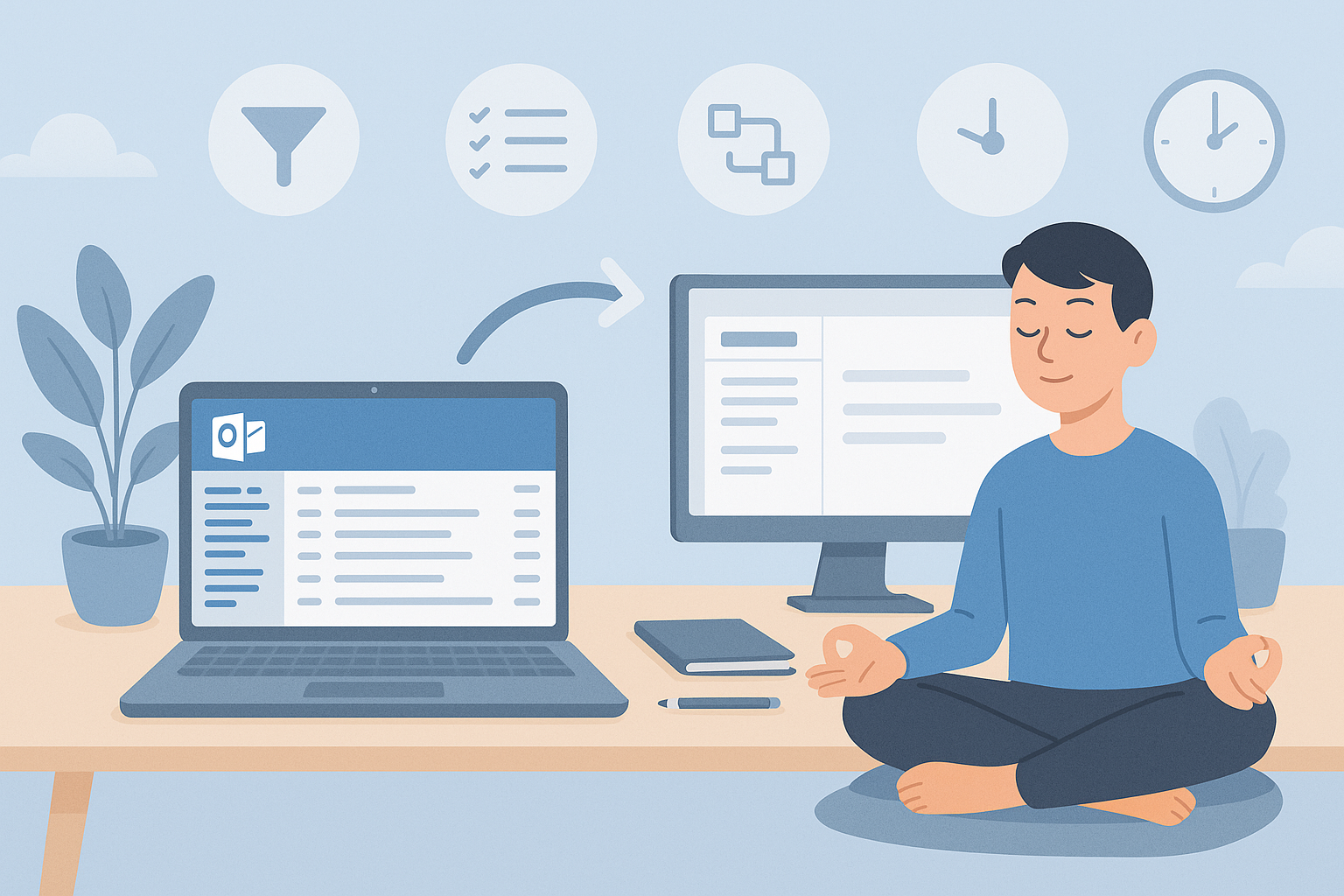
If your inbox rules your day, you’re not alone. The good news: Outlook has a handful of features and a few easy habits, that can turn email from noisy to manageable without new tools or big changes.
Here’s how to find your calm, save time, and keep important messages front and centre.
✉️ 1) Tame the flow (before it hits your brain)
- Focused Inbox: Let Outlook split signal from noise. Train it by moving messages between Focused/Other for a week.
- Rules & Sweep: Auto file newsletters, CCs, and system alerts into folders you review later. Keep the main inbox for humans and priorities.
- Delay Send: Write at 10pm, send at 9am. Respect boundaries without losing momentum.
🧘 2) Create breathing space
- Send fewer, get fewer: Reply concise; move complex threads to Teams or a quick call.
- Nomeeting/email windows: Block two 30 minute slots daily for focused work. Inbox can wait.
- Turn off desktop pings: Check email at set times; batch and move on.
🔎 3) Find anything fast
- Advanced Search: Use shortcuts (from:, subject:, hasattachments:, older_than:, newer_than:).
- Categories & Flags: One colour for clients, one for finance, one for internal. Flags for “do today” beats an overflowing todo list.
- @Mentions: Tag teammates in the body to highlight actions; they’ll see it in their Mentions view.
🤝 4) Share links, not attachments
Attachments breed versions. Use Share links from OneDrive/SharePoint so everyone edits the same file. Version history is your friend; coauthoring keeps projects moving.
⚙️ 5) Make Outlook do the heavy lifting
- Quick Steps: One click to file, forward to a team, or create a task; great for repetitive actions.
- Templates: Save frequent replies (acknowledgements, intros, directions).
- Dictation: Speak longer emails; tidy the draft later. Surprisingly effective.
🔐 6) Keep it safe without slowing down
- MFA & Alerts: Protect your account and enable suspicious login alerts.
- Antiphish tips: Check the sender domain, hover links, and report anything odd with the Report Phish button.
- Sensitivity labels: Mark confidential emails so they’re encrypted automatically.
🌤️ Your path to inbox zen
Start small: pick two changes this week (Focused Inbox + Rules). Next week, add Quick Steps and templates. In a month, you’ll spend less time on email and more on the work that matters.
👉 Contact Us to get started.
#OutlookTips #InboxZero #Productivity #Microsoft365 #ModernWorkplace #DigitalWorkplace #TimeManagement #UKBusiness