
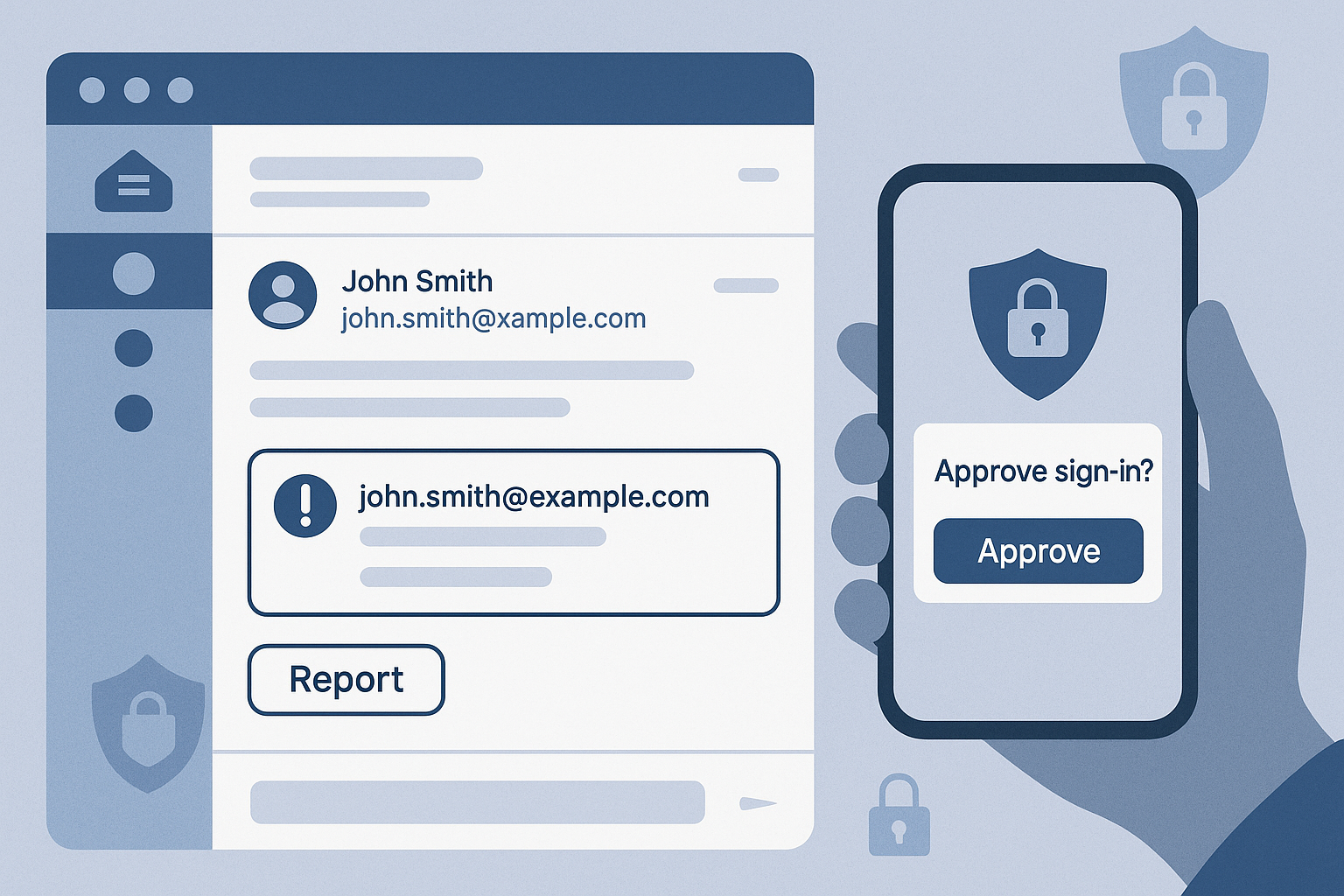
Phishing isn’t just dodgy emails from distant princes anymore. It’s slick, well researched, and tailored to your business. Attackers now use AI to write convincing messages, clone real login pages, mimic suppliers, and even “reply” in the middle of legitimate threads. For businesses, that means the old advice “hover over the link and look for bad spelling” isn’t enough.
The good news? You don’t need an enterprise budget to protect your people. With a few smart controls, clear processes, and regular training, you can stop most phishing attempts before they turn into real incidents.
🎯 The New Tricks You’re Likely to See
1) Thread hijacking (replychain phishing)
Attackers compromise a mailbox and reply to a real conversation with a malicious link or attachment. Because it’s in an existing thread, it feels trusted.
2) Lookalike domains & brand impersonation
“bluefootprlnt.co.uk” instead of “bluefootprint.co.uk”, one swapped letter and a matching logo is often enough to fool a busy team.
3) MFA fatigue & fake MFA prompts
Instead of guessing your password, attackers pester staff with repeated push notifications or send a realistic prompt that captures the code.
4) Deepfake voice & “urgent” WhatsApp/Teams messages
“It’s me, can you pay this now?” Impersonation moves beyond email, especially out of hours.
5) QRcode phishing (quishing)
A QR code on a poster, email, or parcel label that sends users to a credential stealing page on their phone.
🔐 Practical Defences That Actually Work (and don’t kill productivity)
Enable MFA, properly
Use number matching and phishing resistant methods where possible. Block simple SMS only MFA. Teach staff to deny unexpected prompts and report them.
Turn on Conditional Access
If you’re on Microsoft 365 Business Premium, enforce location, device compliance, and riskbased signin rules. Unknown device? Force stronger auth.
Use Defender for Office (or equivalent)
Turn on Safe Links and Safe Attachments. These detonate suspicious items in a sandbox and rewrite links to safer versions.
Lock down email authentication
Publish and enforce SPF, DKIM, and DMARC so your domain can’t be spoofed. Start with monitoring, then move to quarantine/reject.
Harden your payments process
Before changing bank details, confirm via a known number or Teams call. No exceptions. Build this into your finance checklist.
Short, frequent training, not annual webinars
Run bite size monthly tips, plus quarterly phishing simulations. Focus on what to do next more than blame: report fast, isolate device, change password.
Make reporting simple
Add a “Report Phish” button in Outlook/Teams. Reward quick reporting, even for false alarms. Speed matters more than perfection.
Limit what a single account can do
Use least privilege access, disable legacy protocols, and separate admin and user accounts. If one account falls, it shouldn’t be game over.
🚨 What To Do If Someone Clicks
- Don’t panic, act. Report to IT immediately via a known channel.
- Reset credentials and revoke sessions for the affected account.
- Check forwarding rules and inbox permissions (attackers love auto forward).
- Search your tenant for the same message; pull or block it where possible.
- Review signin logs and device compliance; escalate if sensitive data may be exposed.
- Share the lesson: a 2 minute debrief helps the whole team.
🧭 Build a Culture That Catches Phish
Phishing protection is as much about people as technology. Make it normal to question unusual requests, to phone a supplier back on a saved number, and to challenge “urgent” instructions that skip process. The tone from the top matters, leaders should model the behaviour.
If you want help hardening Microsoft 365, setting up DMARC, or running friendly phishing simulations, we’re here to make it painless and effective.
👉 Contact Us for a quick review and action plan.